Introduction
Managing a Dwarf Fortress colony is one of the most complex challenges in simulation gaming. The game’s depth, particularly around labor assignments, skill tracking, and dwarf psychology, has pushed players to seek tools beyond what the base game provides.
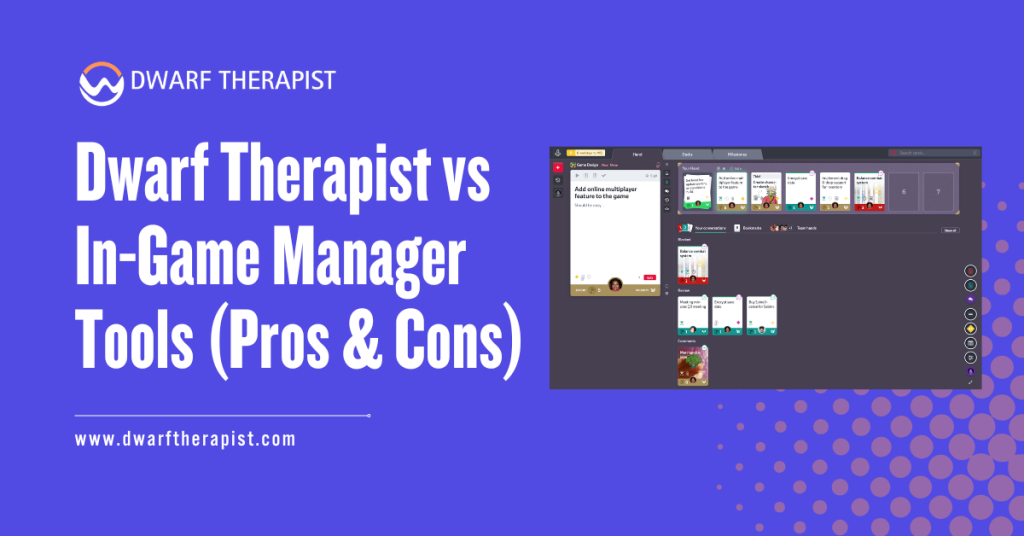
Two primary approaches exist: Dwarf Therapist, a long-standing third-party utility, and the native in-game manager tools built directly into Dwarf Fortress itself.
Both approaches serve the same core purpose but function very differently in practice. Understanding their respective strengths and limitations helps players make informed decisions about how they manage their fortress operations.
This editorial is based on community-informed analysis, documented tool behavior, and practical gameplay guidance. It is intended for informational use by Dwarf Fortress players of all experience levels.
Quick Answer about Dwarf Therapist vs In‑Game Manager Tools
- Dwarf Therapist is a third-party external application for managing dwarf labors, skills, and roles outside the game
- In-game manager tools are the native assignment and management systems built directly into Dwarf Fortress
- Dwarf Therapist offers a visual, spreadsheet-style interface not available in vanilla gameplay
- In-game tools require no external software, version matching, or compatibility configuration
- Players who prefer minimal setup benefit from staying within the native interface
- Dwarf Therapist must be updated with each new game version to maintain compatibility
- The Steam Premium release of Dwarf Fortress significantly improved native management interfaces
- New players are generally advised to learn in-game tools first before adopting external utilities
- Both tools can technically be used together, but workflow overlap may create confusion
What Is Dwarf Therapist and How Does It Work
Core Features and Functionality
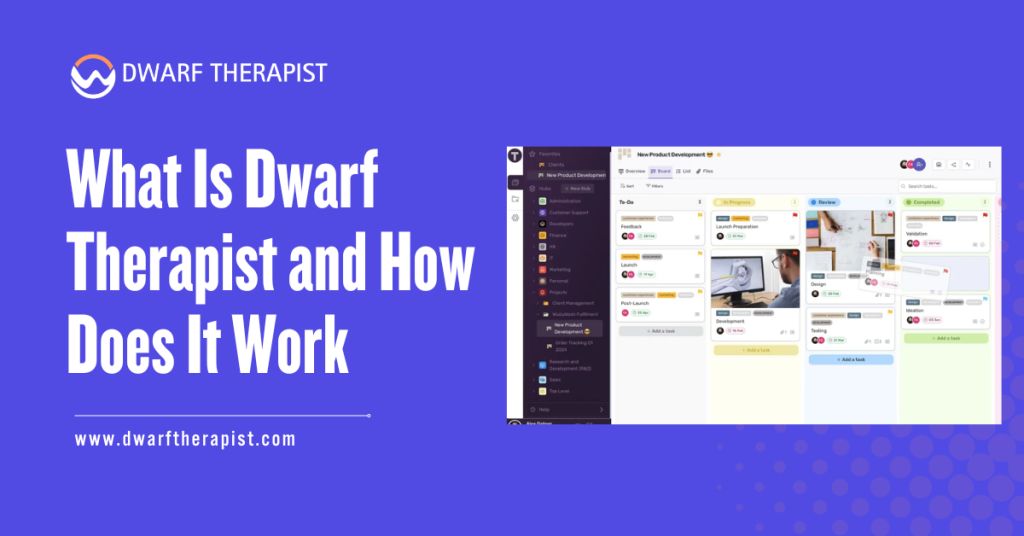
Dwarf Therapist is an open-source, third-party application that reads live game data from an active Dwarf Fortress session. It connects to the game’s memory while it is running and displays all dwarves in a grid-based, spreadsheet-style layout.
Users can view every dwarf’s current skills, mood, labor assignments, stress levels, and role at a glance. The grid allows mass assignment of labors across multiple dwarves simultaneously, something the vanilla game interface does not support in the same visual format. Sorting and filtering dwarves by skill level, profession, or trait is straightforward within the application.
The tool was originally developed to address a genuine gap in the early versions of Dwarf Fortress, where labor management was deeply buried in individual unit menus with no efficient batch-editing capability.
It became a community standard for fortress management, particularly among players running large populations.
Compatibility Requirements and Known Limitations
Dwarf Therapist depends heavily on version alignment. Each time Dwarf Fortress is updated, the memory addresses the application reads from can shift, rendering Dwarf Therapist inaccurate or non-functional until a matching update is released.
- Requires periodic updates from its maintainers to stay functional after game patches
- Must be run in parallel with an active game session, adding to system resource usage
- Initial configuration can be confusing for new users unfamiliar with memory-reading utilities
- Not officially supported by Bay 12 Games, the developer of Dwarf Fortress
- May behave unexpectedly on some operating systems or with certain game configurations
- The Steam Premium version of Dwarf Fortress introduced new UI systems that reduced some of its prior advantages
Players using modded or older versions of the game should verify which version of Dwarf Therapist is compatible before installation. Using a mismatched version can result in incorrect skill or labor data being displayed.
In-Game Manager Tools: Capabilities and Design
What the Native Interface Provides
The in-game manager tools in Dwarf Fortress cover labor assignments, work order management, burrow configuration, and unit skill overviews. In the Steam Premium release, Bay 12 Games substantially redesigned these interfaces, introducing a dedicated labor management screen with improved readability and faster navigation.
The native unit manager allows players to assign and remove labors directly from a filtered list of dwarves. Work orders can be queued through the manager interface, allowing automated production without constant manual intervention.
Players can restrict specific jobs to specific dwarves using custom roles and burrow assignments. These systems are fully integrated with the game’s data, meaning they are always accurate in real time. There is no synchronization delay, no compatibility issue, and no risk of reading stale or mismatched memory data.
Practical Strengths and Workflow Limitations
The primary strength of the in-game tools is reliability and accessibility. No installation is required, no version checking is needed, and the tools work consistently across all supported platforms and game versions.
Common problems players encounter with in-game tools and practical solutions:
- Difficulty finding highly skilled dwarves quickly Use the unit list sort functions by skill level to filter relevant candidates
- Accidental overburdening of a single dwarf Regularly audit the labor tab to distribute assignments more evenly
- Work orders not completing Check that assigned dwarves have the required labor enabled and are not blocked by other higher-priority tasks
- New migrants arriving with undesirable labors enabled Set up custom labor templates or manually audit each migrant wave upon arrival
The native interface does lack a true batch-editing grid. Assigning the same set of labors to many dwarves at once still requires navigating multiple individual screens, which can be time-consuming for large populations. Players managing fortresses with 80 or more dwarves may find this repetitive.
Comparing Dwarf Therapist and In-Game Tools Directly
Feature Comparison Table
| Feature | Dwarf Therapist | In-Game Manager |
| Visual labor grid | Yes, spreadsheet-style | Limited, list-based |
| Batch labor assignment | Yes, multi-dwarf at once | No, individual only |
| Requires installation | Yes | No |
| Version compatibility risk | High, updates required | None |
| Real-time accuracy | Near real-time via memory read | Always accurate |
| Work order management | No | Yes, fully integrated |
| Mood and stress overview | Yes | Limited |
| Platform support | Windows, Linux, macOS (variable) | All supported platforms |
| Officially supported | No | Yes |
| Learning curve | Moderate to high | Low to moderate |
Which Tool Suits Which Type of Player
New players benefit most from spending time exclusively with the in-game tools. The native interface teaches the game’s underlying systems directly, without abstracting them into an external grid.
Understanding what each labor does and how dwarves prioritize tasks is foundational knowledge that Dwarf Therapist can inadvertently bypass.
Experienced players managing large population fortresses, where assigning dozens of dwarves to specific roles is a recurring task, often find that Dwarf Therapist meaningfully reduces administrative burden. The visual grid allows rapid auditing and reassignment at a scale the in-game interface does not easily support.
Players who should exercise caution with Dwarf Therapist:
- Those running the latest game update immediately after a patch release, before Dwarf Therapist has been updated to match
- Players on platforms or operating systems where Dwarf Therapist has inconsistent support
- Anyone uncomfortable with running a memory-reading third-party application alongside their game
Both tools can coexist, but using both simultaneously without a clear workflow division tends to create redundancy. Most players settle into a primary approach based on preference and fortress scale.
Frequently Asked Questions
Is Dwarf Therapist safe to use with Dwarf Fortress?
Dwarf Therapist is an open-source application with a long history in the community. It reads game memory but does not modify game files. That said, it is a third-party tool not officially endorsed by Bay 12 Games, and users should always download it from its verified repository.
Does Dwarf Therapist work with the Steam Premium version of Dwarf Fortress?
It has received compatibility updates for the Steam Premium release, but players should verify the current version supports their exact game version before use, as compatibility can lag behind game updates.
Can I use Dwarf Therapist and in-game tools at the same time?
Technically yes. However, running both simultaneously without a clear workflow can cause confusion, particularly around which tool reflects the most current state of assignments.
What happens if I use a mismatched version of Dwarf Therapist?
Labor assignments or skill data may display incorrectly. In some cases the tool may fail to connect to the game entirely. Always confirm version compatibility before opening the application.
Do in-game tools fully replace Dwarf Therapist for most players?
For casual to intermediate play, the in-game tools in the Steam Premium release cover most management needs. For large fortress management with frequent population waves, Dwarf Therapist still offers a faster bulk assignment workflow.
Is Dwarf Therapist available on all operating systems?
It has builds for Windows, Linux, and macOS, but support consistency across platforms varies. Windows builds tend to be the most reliably maintained.
Where can I download Dwarf Therapist safely?
Download only from the official GitHub repository maintained by the active community contributors. Avoid third-party hosting sites.
Will Bay 12 Games ever add batch labor assignment natively?
Bay 12 Games has not formally confirmed batch labor grid functionality as a planned feature. The Steam Premium release improved native tools significantly, and further development
continues, but no specific roadmap item matching Dwarf Therapist’s grid interface has been publicly announced.
Latest Post:
- Domain WHOIS: A Complete Guide to Domain Registration Information
- How Dwarf Therapist Works (Labors, Skills & Assignments Explained)
- Dwarf Therapist Supported Versions (Steam & Classic)
- Dwarf Therapist Features You Should Know (Reports, Filters, Profiles)
- Is Dwarf Therapist Safe? Security, Mods & Stable Downloads